
Preserving Digital Handwriting: Building an Offline Vector Archive for Microsoft OneNote
July 24, 2026 · 3 min read
GitHub Repository: https://github.com/pike00/onenote-archive
MIT Licensed · Python 3.14+ · Microsoft Graph Sync · Canvas InkML Overlay · Single-Page PDF Exporter
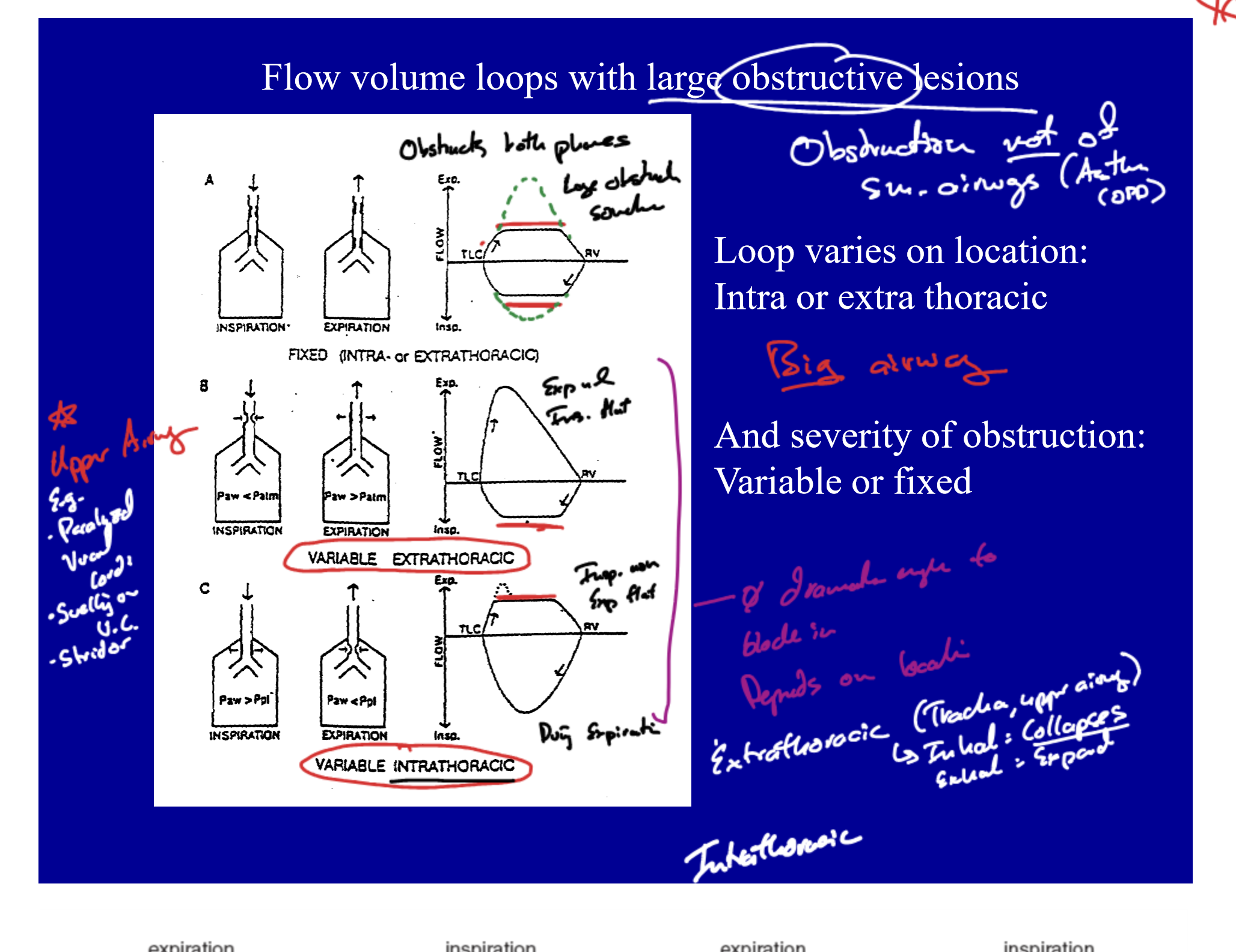
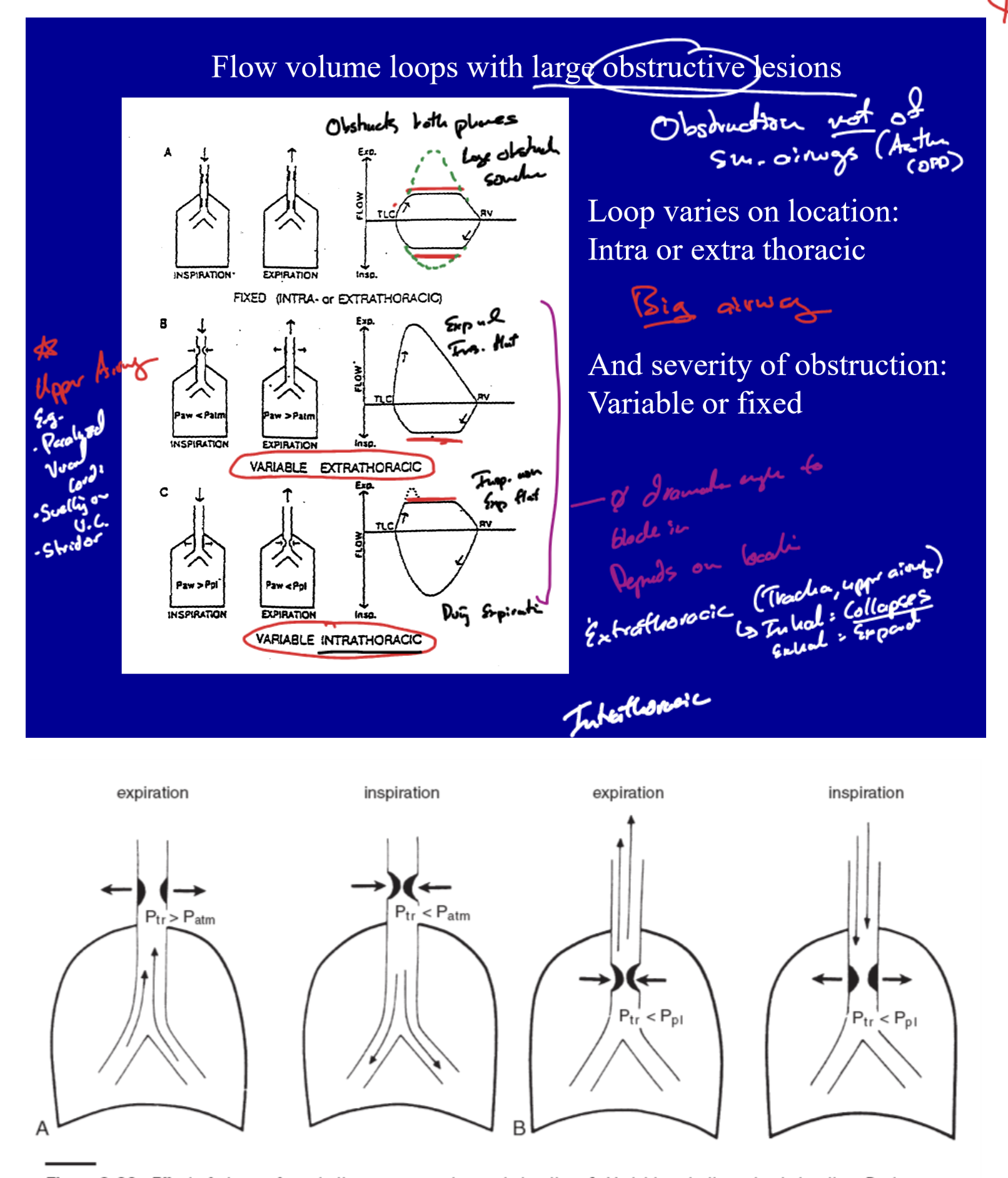
Throughout medical school, my primary workflow for absorbing dense clinical material involved importing slide decks, anatomy atlases, and lecture printouts into Microsoft OneNote on an iPad. Using an Apple Pencil, I annotated thousands of pages: drawing pathway diagrams, highlighting diagnostic criteria, marking up histological images, and jotting margin notes directly over imported slide printouts. As medical training progresses, this library of annotated clinical knowledge continues to grow.
| Medical School Slide Notes (Example 1) | Clinical Annotations (Example 2) | Pathway Diagrams (Example 3) |
|---|---|---|
 |
 |
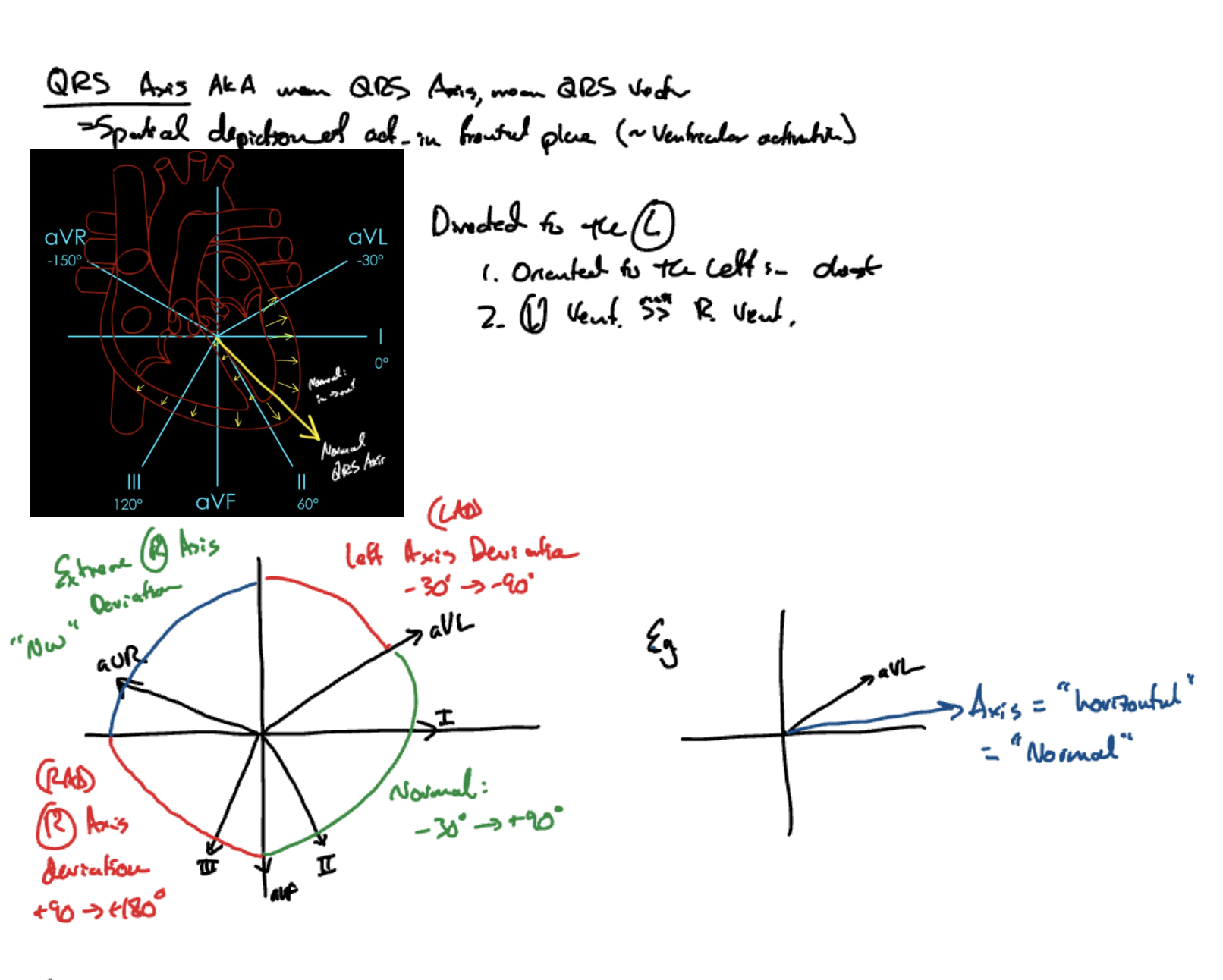 |
| Annotated lecture slides with Apple Pencil ink | Margin notes and highlighted slide content | Pathology & anatomy diagram markups |
However, relying entirely on a single proprietary cloud service to store years of intensive medical education notes introduces two major vulnerabilities:
- Loss of Institutional Email Access: Access tied to institutional or university accounts (such as my Georgetown email address) can be decommissioned, revoked, or restricted post-graduation, threatening total loss of access to years of work.
- Proprietary Vendor Lock-In: Microsoft OneNote stores page layouts as absolutely positioned HTML elements while encoding handwriting in separate vector stroke streams (InkML XML or proprietary binary structures). Built-in export features routinely truncate long pages, misalign vector ink relative to background graphics, or fail to preserve stroke fidelity entirely.
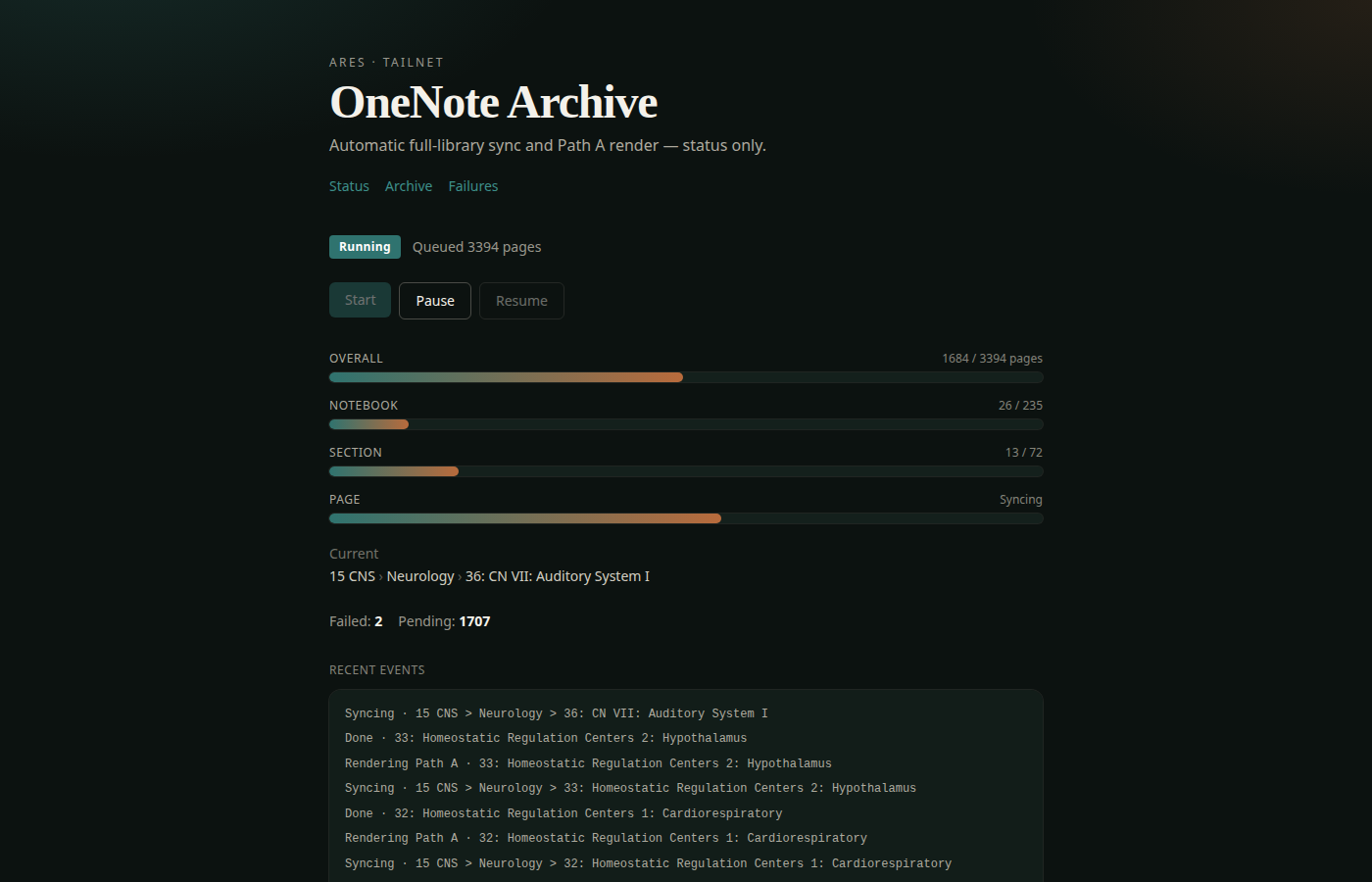
To solve this lock-in problem and permanently protect these notes, I built OneNote Archive: an automated open-source pipeline that syncs notebooks from Microsoft Graph and compiles them into self-contained HTML pages with dynamic canvas ink rendering, alongside matching continuous single-page tall vector PDFs.
Pipeline Architecture
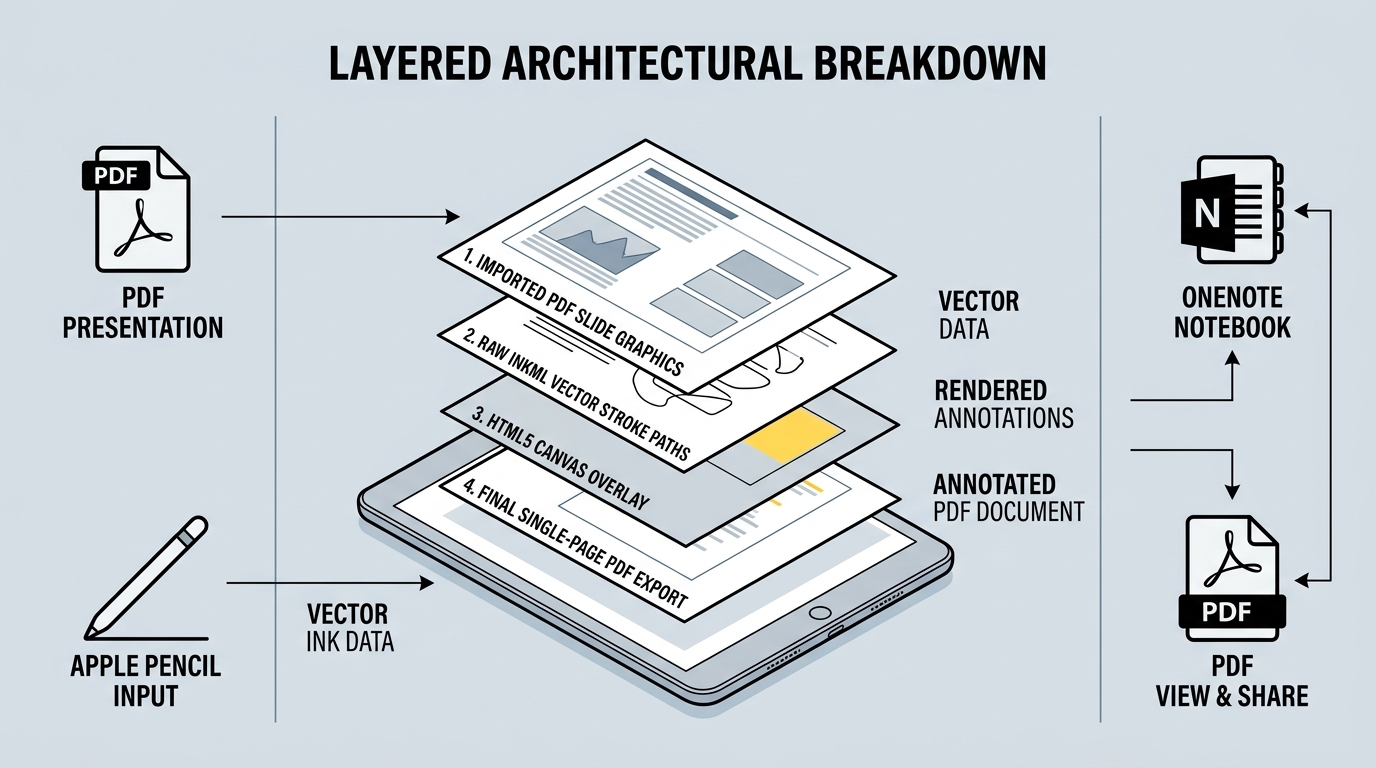
1. Graph Sync (`onenote_dl`)
Downloads notebook structures, page metadata, embedded slide images, and raw InkML XML streams via Microsoft Graph (?includeinkML=true), caching UUID assets locally in out/.
2. Ink & DOM Preprocessing (`onenote_archive`)
Parses element bounding boxes across the page HTML, calculates spatial extents, and normalizes InkML coordinate channels into 96 DPI CSS pixel offsets.
3. Dual Output Generation
- Path A (HTML Canvas Overlay): Injects an HTML5
<canvas>layer positioned atz-index: 50directly over slide graphics. A client-side script (ink_render.js) parses stroke streams at load time, rendering smooth vector paths with preserved pen colors and widths. - Path B (Continuous Single-Page PDF): Uses headless Playwright Chromium to compute total page height and export un-truncated single-page tall PDFs without artificial page breaks.